
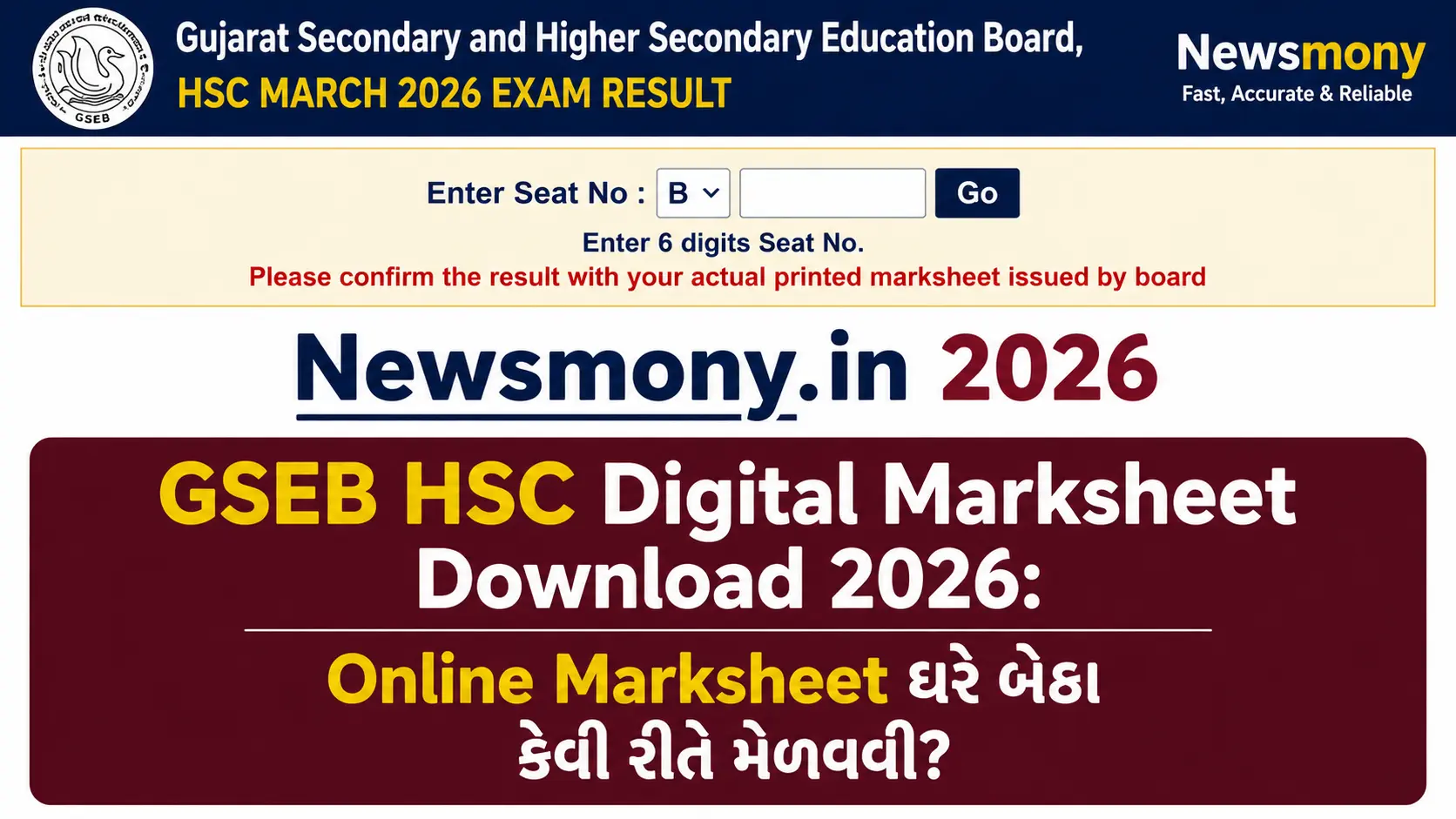
ઘણા Students ને ખ્યાલ નથી હોતો કે Result Declare થયા પછી Digital Marksheet Download કરવાનો Option Available હોય છે. School ની Original Marksheet ની રાહ જોવાની જ જરૂર નથી GSEB HSC Digital Marksheet Download 2026 Process Simple છે ને Official ય છે.
આ Article માં Official Website, DigiLocker ને Mobile Access ત્રણે Methods Cover કરવામાં આવ્યા છે.
Contents
GSEB HSC Result 2026 Overview
| વિગત | માહિતી |
|---|---|
| Board | Gujarat Secondary and Higher Secondary Education Board (GSEB) |
| Exam | HSC (Std. 12) Board Exam 2026 |
| Streams | Science, Commerce, Arts |
| Official Website | www.gseb.org |
| Alternate Website | gsebeservice.com |
| DigiLocker | digilocker.gov.in |
| Download માટે | 6-Digit Seat Number |
Digital Marksheet એટલે શું?
Digital Marksheet એ Board દ્વારા Officially Issue થયેલ Electronic Document છે. Paper Marksheet ની જ Digital Copy. ફક્ત Format અલગ — PDF.
Digital Marksheet vs Original Marksheet
| વિગત | Digital Marksheet | Original Marksheet |
|---|---|---|
| Format | Physical Paper | |
| Available | Result ના દિવસ થી | School ૭-૧૦ દિવસ પછી |
| Cost | Free | Free (School Issue) |
| Use | College Admission, Reference | Official Records |
| Valid | હા, Officially Valid | હા |
Digital Marksheet ઘણી Situations માં Original જેટલી જ Useful છે. ખાસ કરી College Admission Deadlines Tight હોય ત્યારે.
Read this Also: GSEB Result 2026 Seat Number Check
Official Website થી GSEB HSC Digital Marksheet Download કેવી રીતે કરવી?
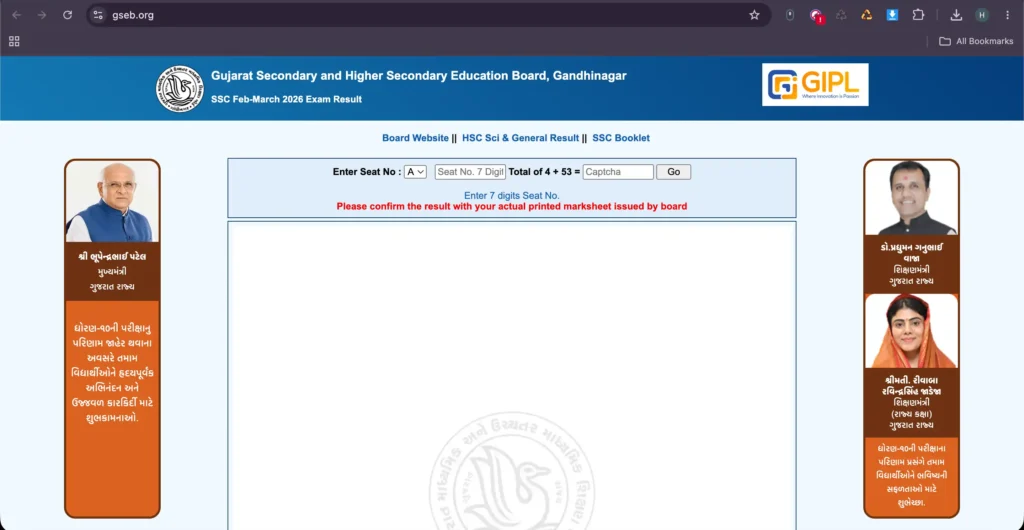
Step 1: Website Open કરો
www.gseb.org અથવા gsebeservice.com Browser માં Open કરો. Homepage Load થવા દો.
Step 2: HSC Result Link શોધો
Homepage પર “HSC Result 2026” નો Link દેખાશે. Stream પ્રમાણે ક્લિક કરો. Science, Commerce, Arts ના Links અલગ હોઈ શકે.
Step 3: Seat Number Enter કરો
Admit Card પર Print થયેલ 6-Digit Seat Number Enter કરો. Typo ન થાય એ ધ્યાન રાખો.
Step 4: Submit ક્લિક કરો
Submit Button Press કરો. Result Page Load થશે.
Step 5: Download Option શોધો
Result Page ના Bottom અથવા Top Corner માં “Download Marksheet” અથવા “Print” Button હશે. PDF Format Select કરો.
Step 6: File Save કરો
Download Location Choose કરો. File Save થઈ જશે. Google Drive માં Upload કરી Backup રાખો.
DigiLocker થી GSEB HSC Marksheet Download કેવી રીતે?
DigiLocker ભારત સરકાર નું Official Digital Document Platform છે. GSEB Marksheet DigiLocker માં Available થાય છે — ને ત્યાંથી Download Valid Document ગણાય.
Step 1: DigiLocker Account બનાવો
digilocker.gov.in Open કરો. Mobile Number ને Aadhaar Number થી Register કરો. Account Verify કરો.
Step 2: Education Documents Section
Login પછી “Education” Section ખોલો. “Gujarat Secondary and Higher Secondary Education Board” Search કરો.
Step 3: Details Enter કરો
Roll Number, Date of Birth, Passing Year Enter કરો. Documents Fetch થઈ જશે.
Step 4: Marksheet Download
Marksheet PDF Download Option Click કરો. Digitally Signed Document Download થઈ જશે.
DigiLocker Document ઉપર Digital Signature હોય છે. ઘણી Universities ને Government Offices DigiLocker Documents Direct Accept કરે છે.
Mobile Phone પર Digital Marksheet Access
Laptop ન હોય? Mobile થી ય Download થઈ શકે.
Browser Method: Mobile Browser (Chrome, Firefox) Open કરો. www.gseb.org Open કરો. Desktop Site Mode Enable કરો (Browser Settings માં). Same Steps Follow કરો.
DigiLocker App: Play Store અથવા App Store માંથી “DigiLocker” App Download કરો. Login કરો. Education Section માં GSEB Marksheet Access કરો. PDF Download કરો.
Mobile Downloads “Files” App અથવા “Downloads” Folder માં Save થઈ જાય છે.
Marksheet ખોવાઈ ગઈ? Duplicate Marksheet Process
Original Marksheet ખોવાઈ ગઈ? ઘભરાવ નહીં.
GSEB Duplicate Marksheet Issue ની Process Provide કરે છે. gsebeservice.com ઉપર Application Form Available હશે. Nominal Fee, Affidavit ને Police FIR Copy Required. Processing Time ૧૫-૩૦ Days.
Digital Copy Safe રાખો — DigiLocker Document Duplicate Process ટાળી શકે છે.
Conclusion
GSEB HSC Digital Marksheet Download 2026 Process Straightforward છે. Official Website ઉપર Seat Number Enter કરો, Download Click કરો, PDF Save કરો ૫ Minutes થી ઓછા.
DigiLocker Option Extra Convenient છે Document Digitally Signed ને Permanent Available. College Admission Deadlines ટૂંટ ન ચૂકો ફક્ત Marksheet ના Wait ને કારણે.